


Free
No credit card required
- 500 push notifications/month
- 250 Live Activity updates/month
- 3 registered devices
- 5 concurrent Live Activities
- All templates
- REST API access
- Join shared activities
Push Live Activities, Lock Screen widgets, notifications, and email from Grafana alerts, Home Assistant, GitHub Actions — anything that speaks HTTP.










Every event you send updates the Live Activity instantly — no refresh, no polling. Here's the stream, running live.
One HTTP request. Real-time on every iPhone.
Workday script
At 7:00 a small script asks on the Lock Screen. Tapping Start answers it, and the card turns into an eight-hour countdown.
Workday script sends through REST API to PushWard, which delivers to iPhone, Apple Watch, Mac.
# 07:00 from cron or launchd
curl -X POST https://api.pushward.app/activities \
  -H "Authorization: Bearer hlk_YOUR_KEY" \
  -H "Content-Type: application/json" \
  -d '{
      "slug": "approval-request",
      "name": "Workday"
    }'

curl -X PATCH https://api.pushward.app/activities/approval-request \
  -H "Authorization: Bearer hlk_YOUR_KEY" \
  -H "Content-Type: application/merge-patch+json" \
  -d '{
      "state": "ongoing",
      "content": {
        "template": "approval",
        "state": "Start your workday?",
        "source": "Script",
        "icon": "calendar",
        "accent_color": "blue",
        "details": [
          {
            "label": "Calendar",
            "value": "3 meetings, first at 9:30"
          }
        ],
        "options": [
          {
            "id": "start",
            "title": "Start",
            "style": "primary"
          },
          {
            "id": "later",
            "title": "Later",
            "style": "secondary"
          }
        ]
      }
}'Beyond Live Activities, the same API delivers full iOS push notifications — rich layout, image attachments, action buttons, custom sender icons, and iMessage-style chat bubbles.
Push live data to your Home and Lock Screen from any HTTP source — no polling, no waiting. Tap a widget to fire a webhook, start a job, or open another app, without launching PushWard.
Explore the iOS Widgets API →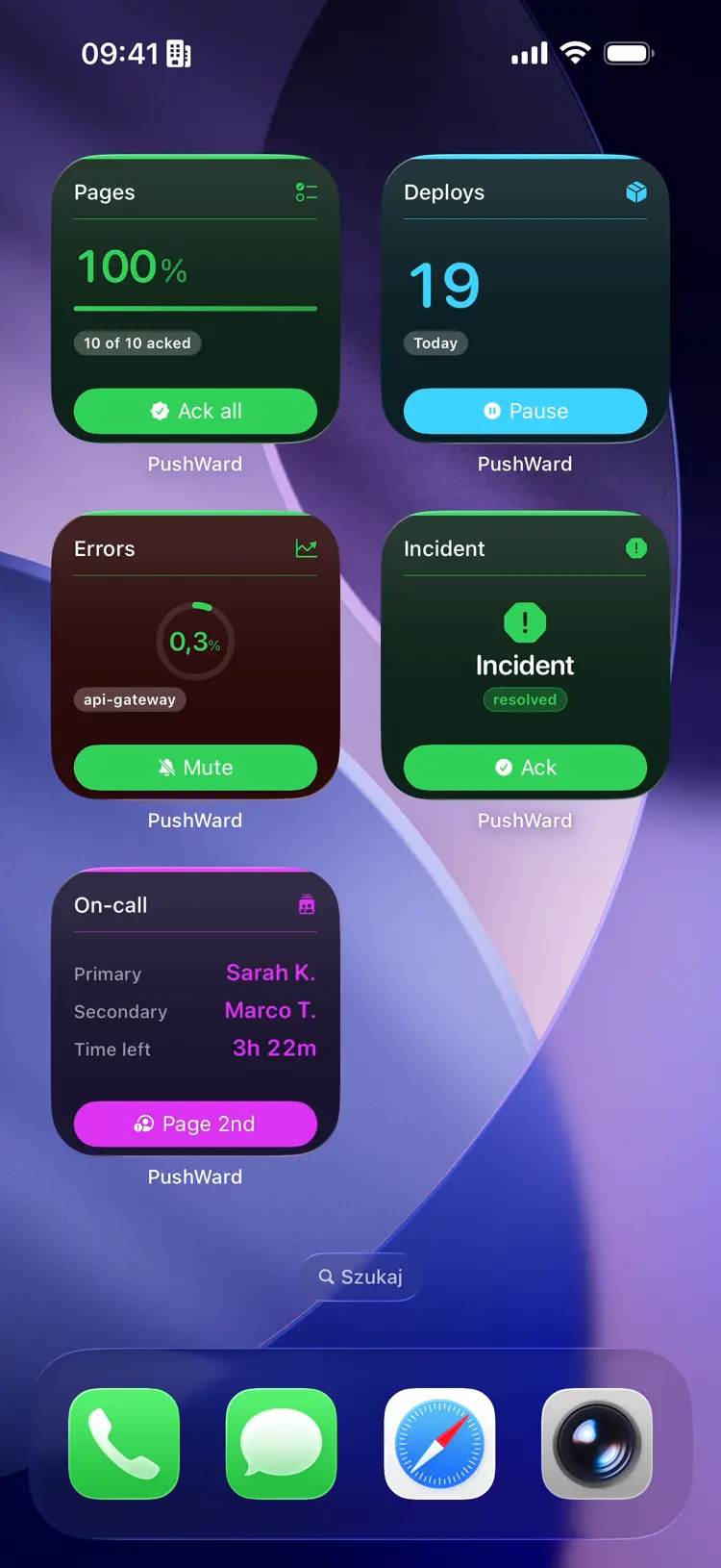
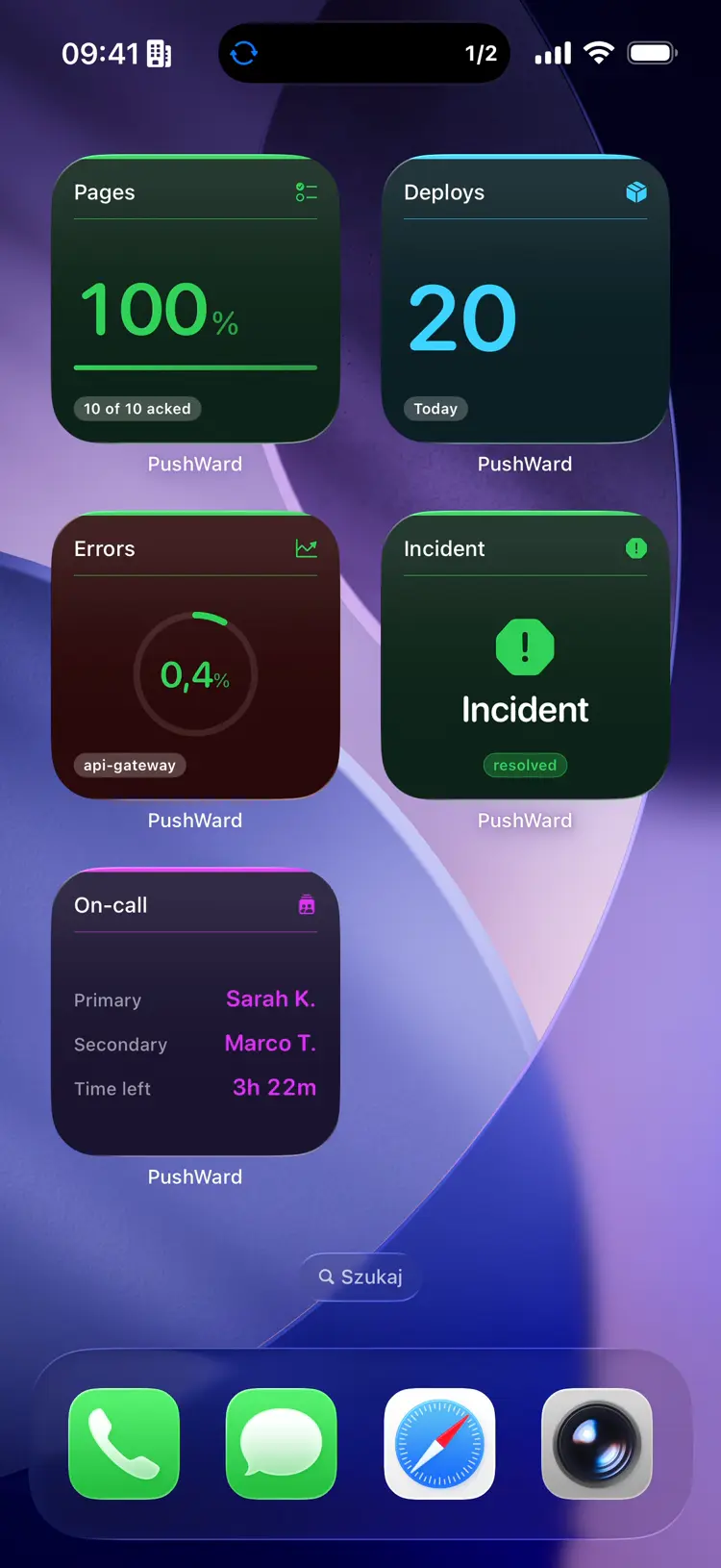
Compose a Markdown message and send it to any address you've verified — a written, searchable record that's still there long after a Lock Screen banner has faded.
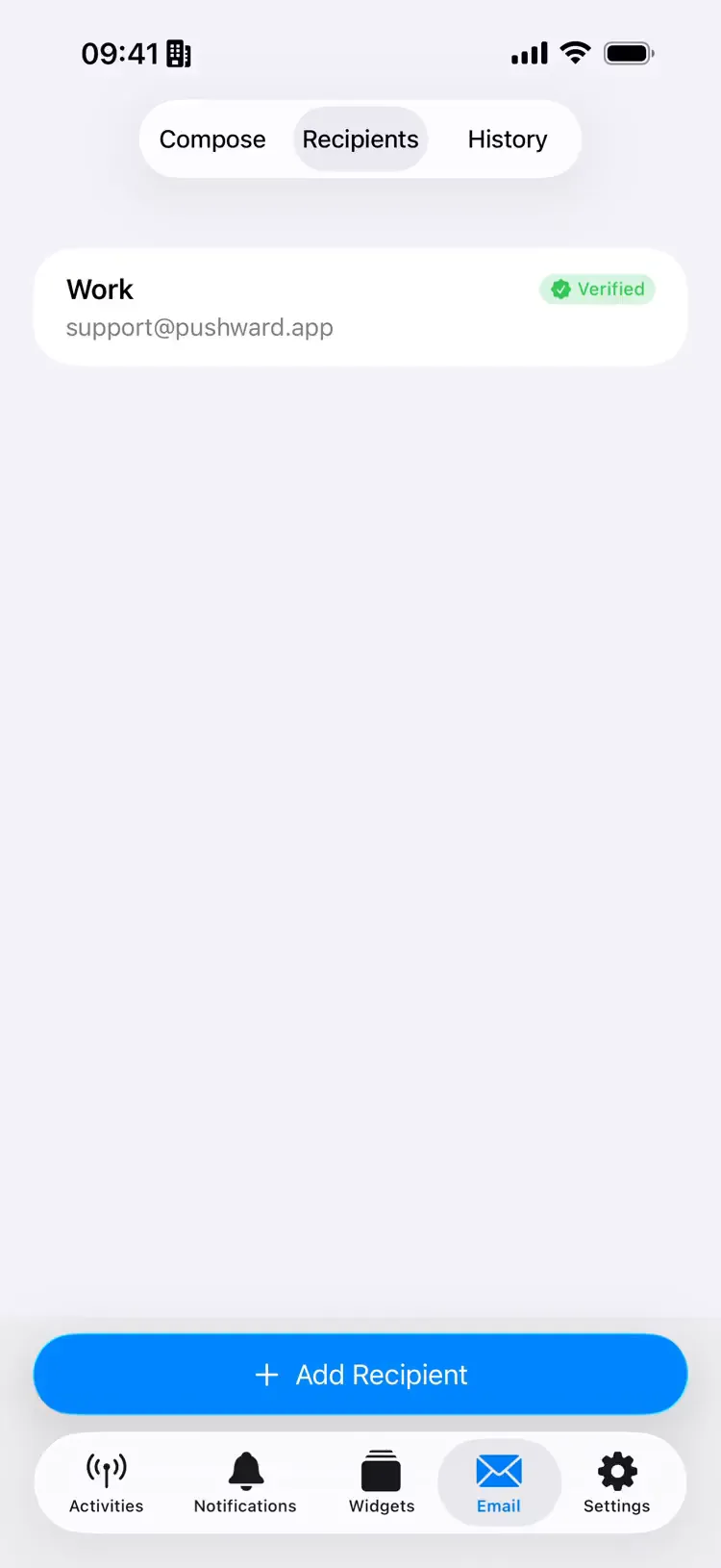
Generate a share code and the activity syncs to another iPhone in real time — updates, state changes, and completion pushes, all mirrored. Recipients join free, no subscription needed.
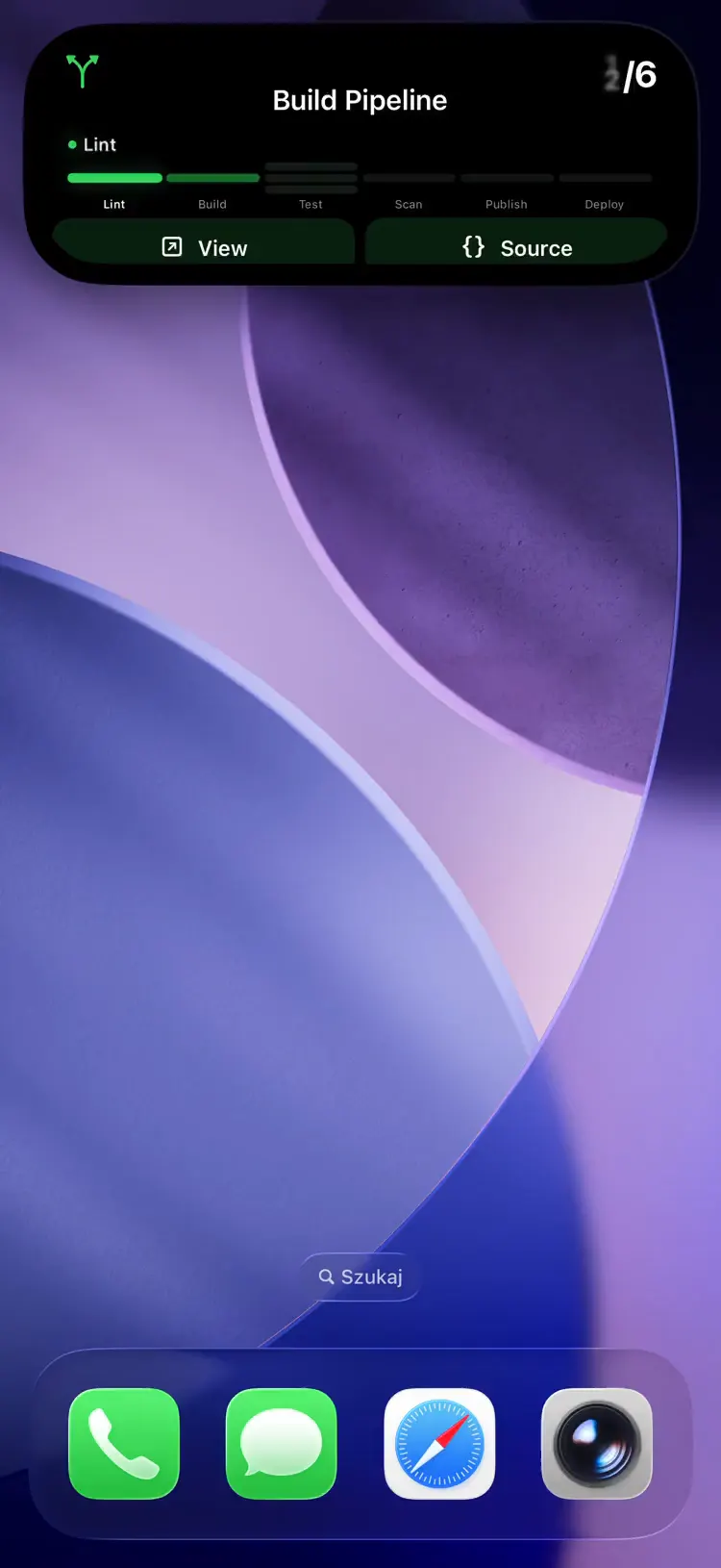
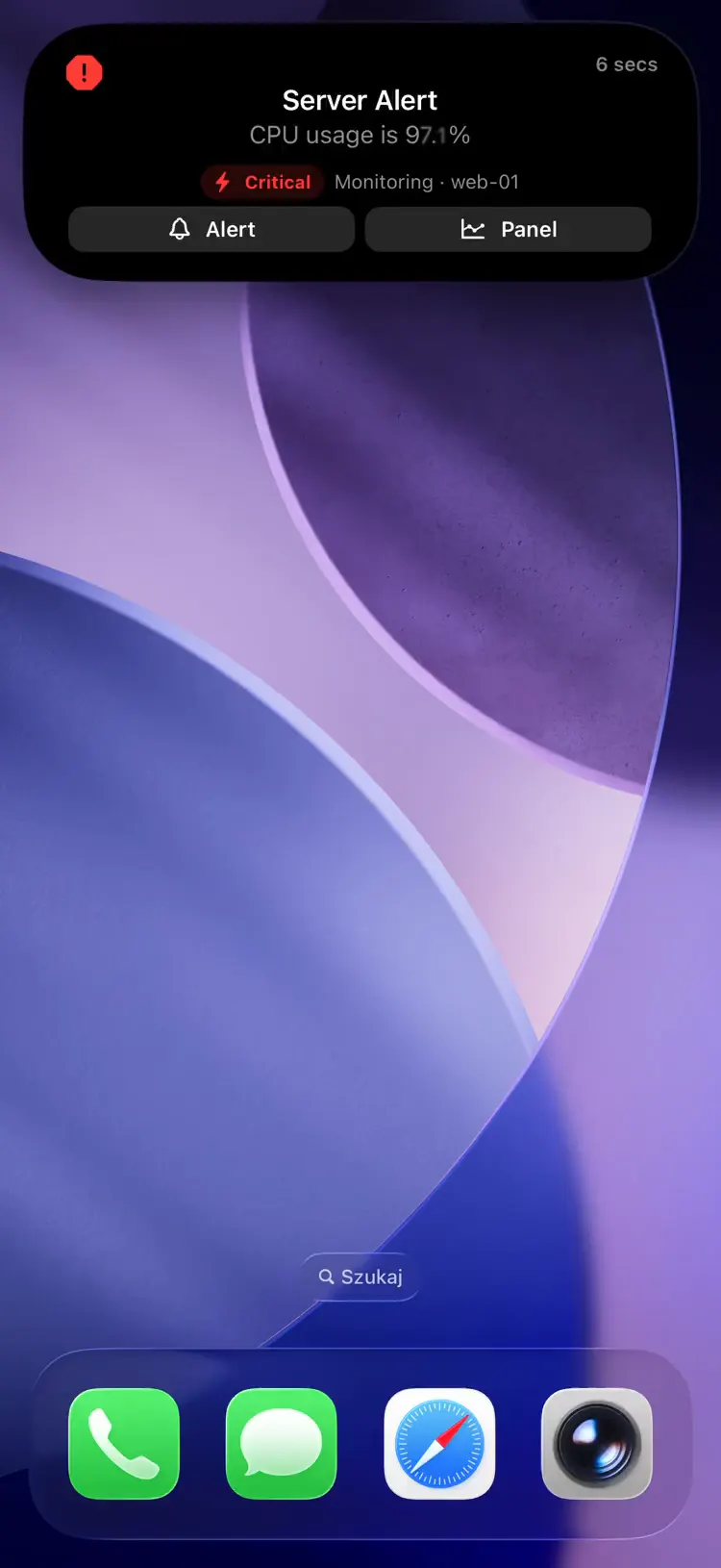
Pick a scenario and watch a real notification land on the Lock Screen, Dynamic Island, and widgets.
Webhooks, Docker containers, or smart home. All paths end on your Lock Screen.
Point your service's webhook URL at relay.pushward.app. We transform it into a Live Activity automatically.
Run dedicated bridges for services that need polling or direct API access.
Install via HACS. Track any entity — sensors, switches, automations — as Live Activities on your Lock Screen.
The PushWard companion app brings your Live Activities, notifications, and widgets to your wrist — paired to your iPhone, with no separate sign-in.

Ongoing activities sync to the Smart Stack and render in full — board, log, timeline, and the rest.

Browse, mark read, and clear past notifications, relayed from your iPhone.

Your Home Screen widgets, mirrored to the watch for a quick glance — and updatable live over the API.

Add a PushWard complication to your watch face and jump straight in.
On iPad, PushWard opens into a two-pane layout — your activities and notifications on the left, the detail on the right.
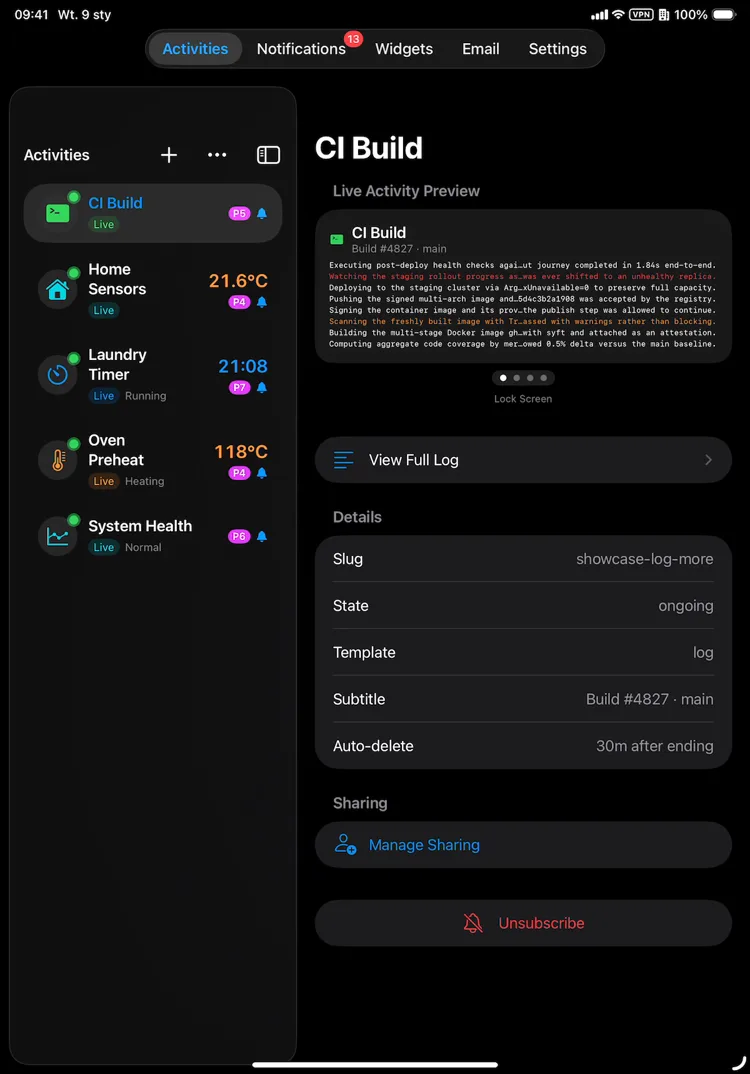
List and detail side by side, so you never lose your place.
The layout adapts to any orientation, including Pro Max landscape.
The same account, activities, and history across iPhone, iPad, and Apple Watch.
PushWard collects only what it needs and nothing more. No analytics. No tracking. No data sales.
No third-party analytics, ad networks, or tracking scripts. Your usage data stays private.
Sign in with Apple only. We never require your email or a password to use PushWard.
API tokens are stored as SHA-256 hashes. Plaintext tokens never touch our database.
Activities automatically clean up via configurable TTLs. No stale data lingers on our servers.
All communication uses HTTPS/TLS. Push notifications travel through Apple's encrypted APNs channel.
Delete your account and all associated data instantly from the app. No hoops, no waiting periods.
Generous free tier, simple annual plans, and a one-time lifetime option.
Everything in PushWard Plan, shared across:
Everything in PushWard Plan, plus:
For ops, on-call and dev teams. Every member joins with their own Apple ID.
Everything you need to know about sending iOS Live Activities over HTTP.
The iOS Live Activity API is how PushWard turns an HTTP request into a Live Activity on the iPhone Lock Screen and Dynamic Island. You send a small JSON payload to the REST API with your integration key, and PushWard delivers it through Apple Push Notification service - no ActivityKit code, no Xcode, and no app of your own. The Live Activities page walks through it end to end.
No. Install the PushWard app on your iPhone, create an integration key, and send HTTP requests to the REST API. There are no APNs certificates, no Xcode, and no App Store review on your side - PushWard handles delivery through Apple Push Notification service.
Send a POST request to the PushWard API with your integration key and a small JSON payload. It appears on your iPhone as a Live Activity on the Lock Screen and Dynamic Island, and you update or end it with follow-up requests. The getting-started guide walks through it with curl.
Anything that can make an HTTP request - Grafana alerts, Home Assistant automations, GitHub Actions, SABnzbd downloads, Bambu Lab prints, or your own scripts. Ready-made bridges and a hosted webhook relay cover the most common services.
There is a free tier to get started, plus yearly, family, and lifetime plans that raise the limits. Live Activities, Lock Screen widgets, notifications, and email all run through a single API.
All three deliver iOS Live Activities over HTTP. PushWard adds a permanent free tier, ten Live Activity templates with AlarmKit alarms, transactional email, critical alerts, a full widget API, a self-hostable relay with a universal webhook, and a broad set of open-source integrations. The comparison page lays out the full feature matrix.
Start sending Live Activity updates in minutes. No APNs certificates required.